Insurance and loss assessment
Reviewing claim photos
Give reviewers file-and-evidence consistency checks, enrolled-key results and timestamp findings as additional material. Keep claim-payment decisions within the existing assessment process.
FOR INSURERS & ENTERPRISES
VeraSnap
Insurance claims, loss assessment and field inspections. Bring the evidence recorded alongside VeraSnap photos into the receiving team's review process. Find the entry points for evaluating the app and server-side SDK verification.
Official VSO guide · Provided by VeritasChain Co., Ltd.
Add capture records bound to the original files to an existing photo-submission process. Choose one workflow first and evaluate it alongside your current review procedures.
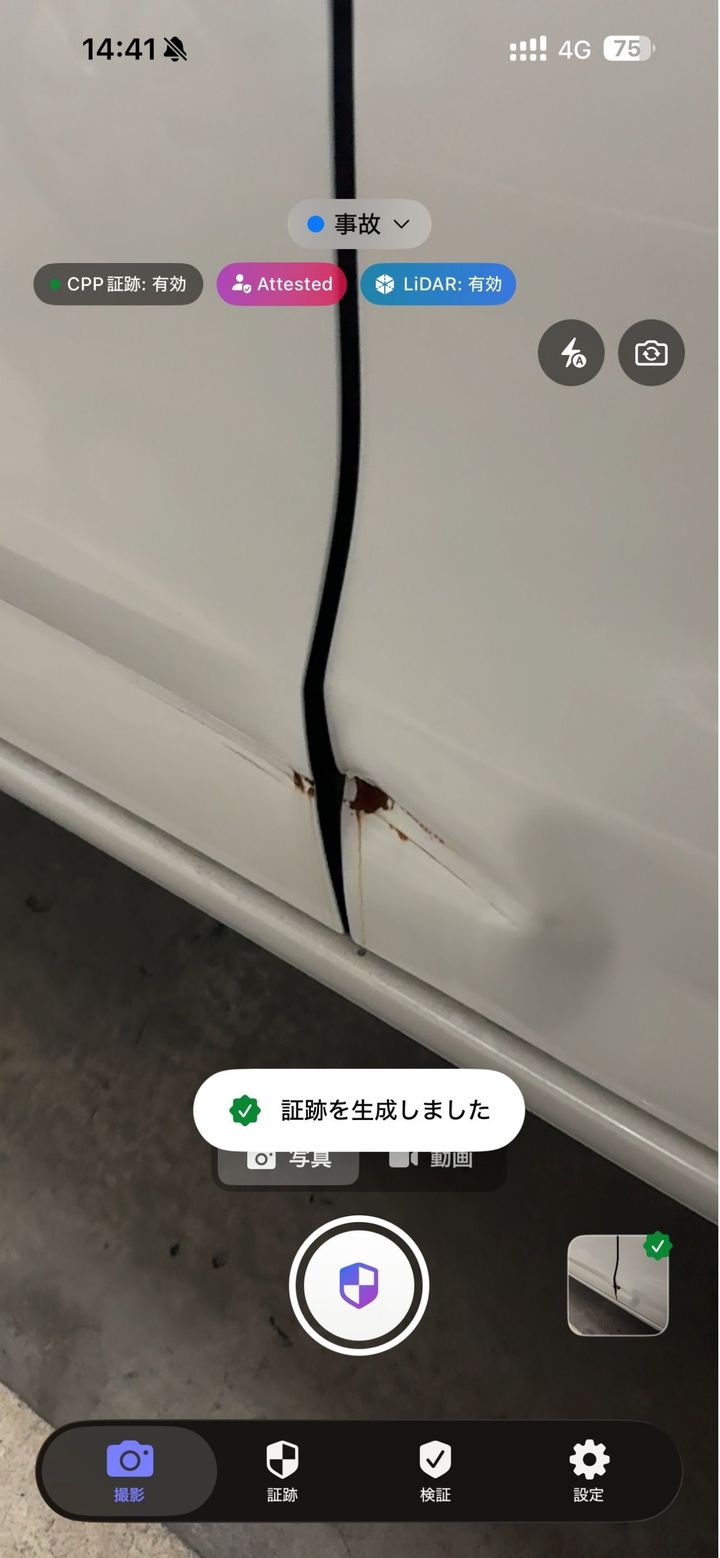
Insurance and loss assessment
Give reviewers file-and-evidence consistency checks, enrolled-key results and timestamp findings as additional material. Keep claim-payment decisions within the existing assessment process.
Construction, facilities and property
Consider how to retain original inspection photos and their corresponding evidence for later checks. The subject photographed and the accuracy of the inspection still need separate review.
Legal, audit and records management
Record who received what, which version was used for verification and under what conditions. Design access permissions, retention periods and personal-data handling alongside the workflow.
These are potential evaluation use cases. They do not represent customer deployments or demonstrated reductions in loss or fraud.
Valid evidence does not necessarily mean the content of a photo is true. Show which checks met their conditions and which questions still require separate review.
| Item to check | What the evidence can establish | What this alone cannot establish |
|---|---|---|
| File and signature | Whether the submitted photo matches the evidence hash and the signature can be verified. | The truth of the scene, its state before editing, or whether the capture was authorized. |
| Timestamp | The binding between the relevant data and timestamp evidence from a trusted TSA. | The absolute accuracy of the capture time recorded by the device. |
| Enrolled key | Whether the verified device-key enrollment record corresponds to the signing key. | The photographer's identity, the accuracy of the claim or the capture location. |
| Verification conclusion | Verified, unverified and inconsistent items for the selected version, inputs and trust conditions. | Admissibility as legal evidence, a claim-payment decision, full conformance or an independent audit. |
These are items for the receiving organization to evaluate. This does not mean the VeraCheck Web beta viewer verifies all of them.
Treat capture-and-sharing usability and integration of verification into a receiving system as separate evaluation stages.
Use the official iOS and Android store listings to explore capture and evidence handling. Check OS and version differences, and business-use terms, before adoption.
See official app linksA Python SDK for receiving photos and evidence. Evaluate signature, timestamp-evidence and key-enrollment checks. Its API may change, and it has not been independently audited.
Read current SDK guidance and limitationsChoose a product page, app or verification resource for your purpose. Check app versions and SDK availability with their respective publishers.
EVALUATION
Define the scope and success criteria before collecting production data. Include how your workflow will handle unknown results.
For example, one step in receiving loss photos. Identify the submitter, receiving reviewer and current review method.
Use synthetic data or test photos you are authorized to use to evaluate capture, original-file retention, evidence receipt and verification.
Evaluate whether the results are useful for operational decisions, including altered files, unknown keys and missing timestamp evidence.
Confirm licensing, storage locations, access permissions, retention periods, costs and support scope individually.
The product does not guarantee that image content is true or automatically establish whether fraud occurred. Use signature, hash, timestamp-evidence and enrolled-key findings alongside other investigative material.
The receiving-side Verify SDK is available for evaluation as a public alpha. The Capture SDK for embedded capture functionality is at the design stage. Integration, key enrollment and operational conditions require separate consideration.
The public app EULA contains provisions about personal and non-commercial use. Confirm business-use permission and licensing conditions with the team in advance. The Verify SDK's Apache-2.0 license is separate from the app license.
VeraCheck Web is a beta viewer for display and limited checks. Showing that Merkle proof or TSA information is present is different from fully verifying it cryptographically. Check the verifier version, supported checks and unverified items.
Evaluation and technical inquiries
Tell us the workflow, who takes the photos, how you receive them and what you need to check. We can separate app evaluation from SDK integration assessment and identify the questions to resolve.
enterprise@veritaschain.org · You do not need to attach confidential data such as claim documents, patient information or credentials to your first inquiry.